
Manage Suppliers
Under Manage Suppliers, you will find an overview of all suppliers registered in the system. Using the button "Add Supplier", you can create new suppliers and record their master data. Master data includes name, address, contact details, and optional internal notes. Existing suppliers can be edited or deleted at any time.
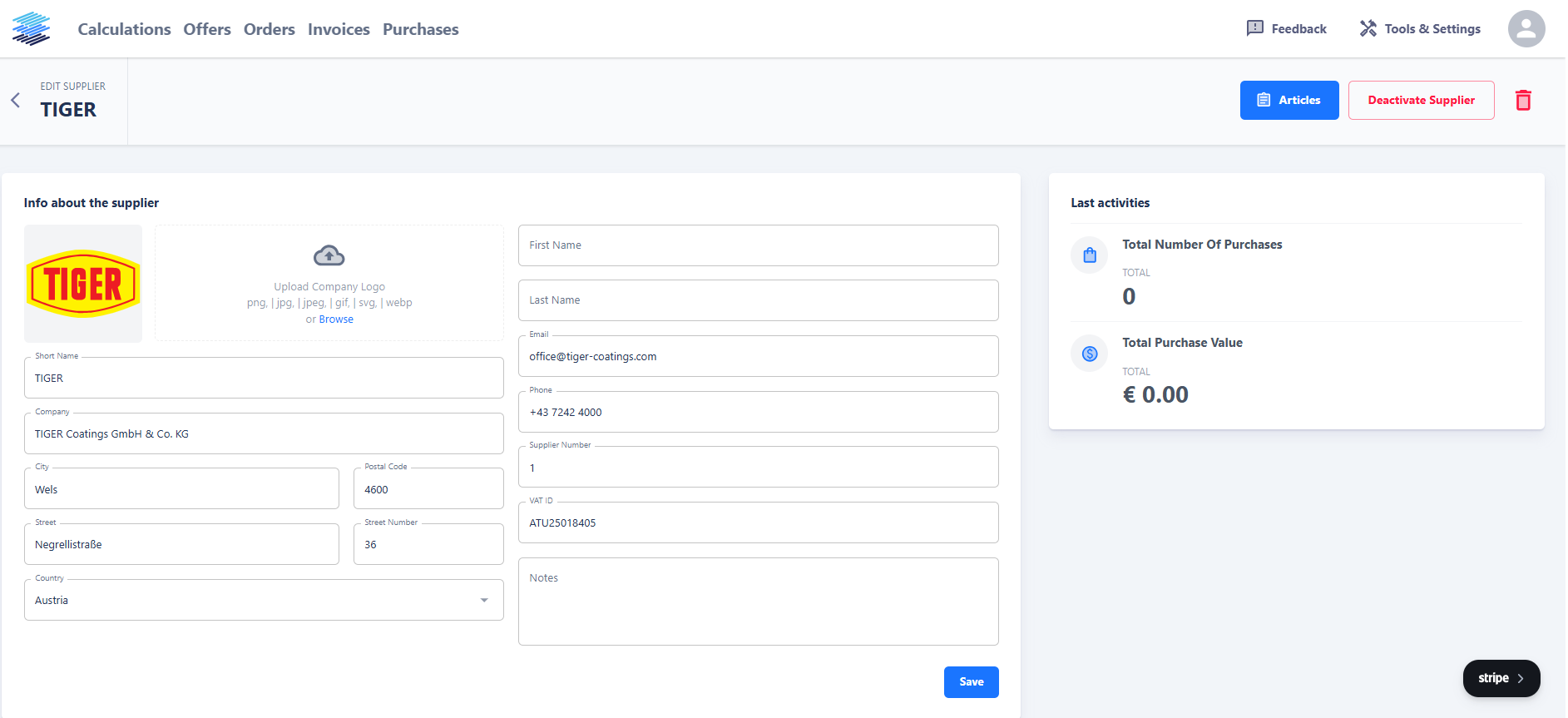
When you click on a supplier, their detail view opens. Here you can see an overview of activities and edit the stored information.
Under the tab "Articles", you manage the articles associated with this supplier. Each supplier can have multiple articles, and each article can be listed in several batch sizes. Batches define the lot sizes in which the article is offered by the supplier. This information is important to ensure that material requirements and purchase suggestions consider realistic quantities.
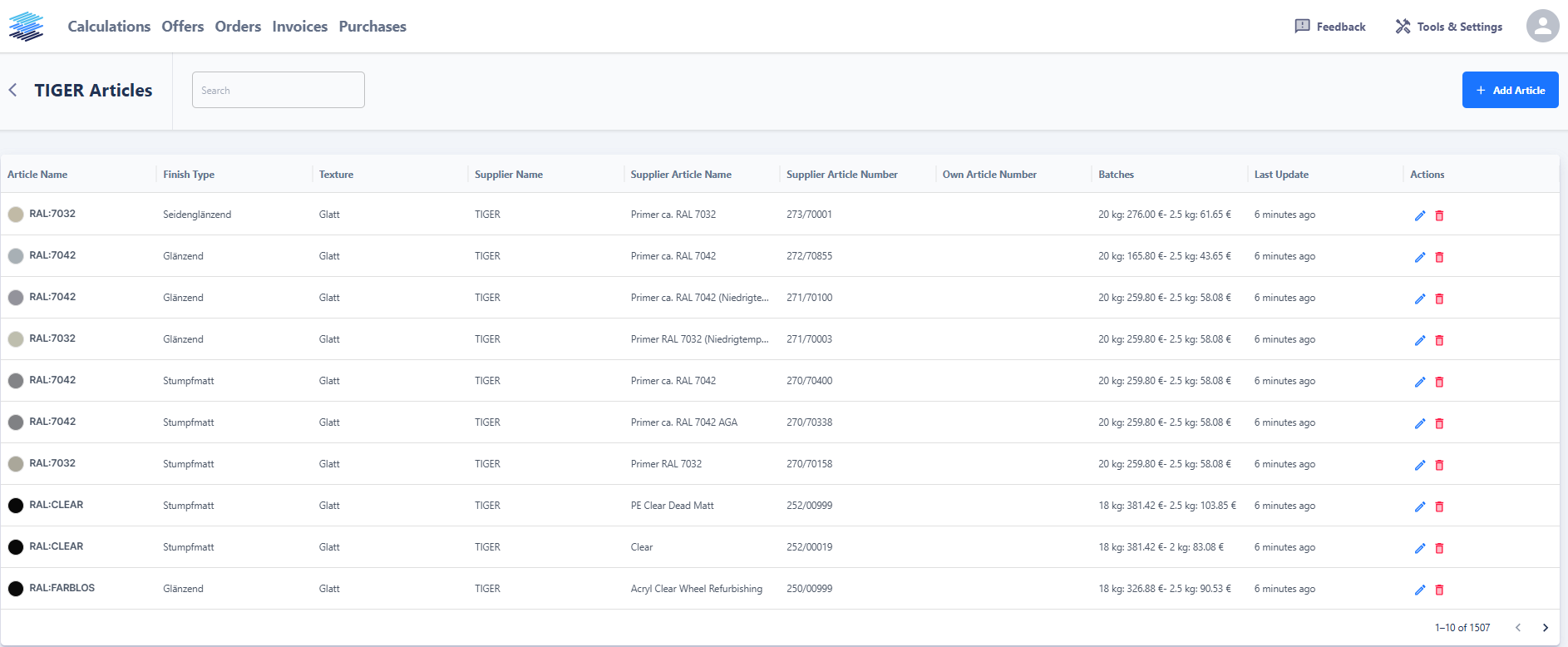
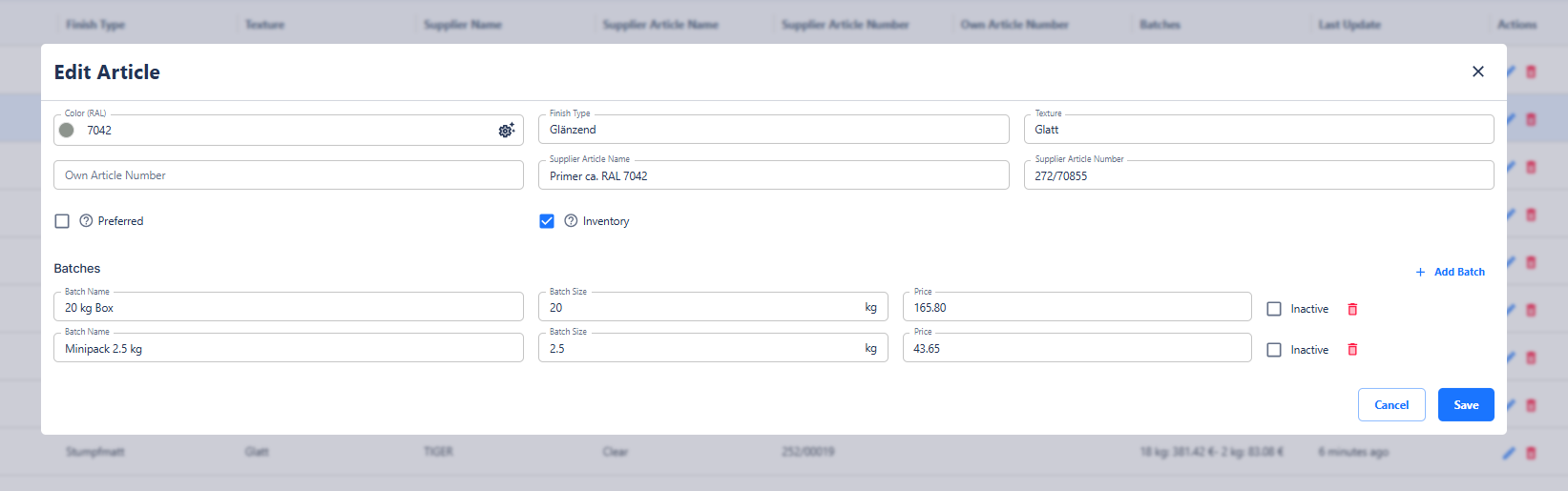
For each article, the following information can be maintained:
-
Article name, color code, color system, gloss level, and surface structure
-
Batches, i.e., the available lot sizes
-
Preferred option: If an article is marked as preferred, it will be prioritized in automatic purchase suggestions, even if its price is higher than competing products.
This way, you always maintain a clear overview of your suppliers and the materials they offer.