
Registration
Registration for Surface Solutions is done via the website surface-solutions.com
Click the button “Try for free” to access the registration form.

In the registration form, enter the following information:
-
Email address
-
First name
-
Last name
-
Password
-
Language
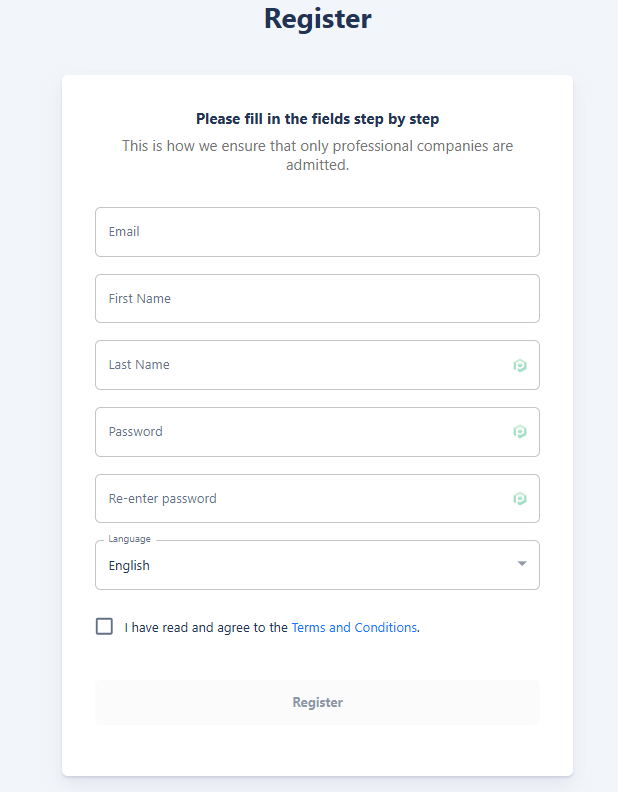
All fields are mandatory and must be completed to finish the registration process.
The selection of the language is particularly important, as it defines the organization language. It determines the language used for default texts in calculations, offers, invoices, and other documents. Changing the organization's language afterwards is only possible via the support team. The user interface language, however, can be customized individually by each user.
After completing the form, click “Register” to finish the process.
You will then be redirected to a confirmation page, where you will find a link to the login page. Use this link to log in with your newly created credentials, and you will then automatically be taken to the setup page to configure your organization.