
Export Invoices in Bulk
In the Invoice Overview, users have access to the Bulk Export function to export multiple invoices at once.

Process
-
Click the "Bulk Export" button in the top right corner.
-
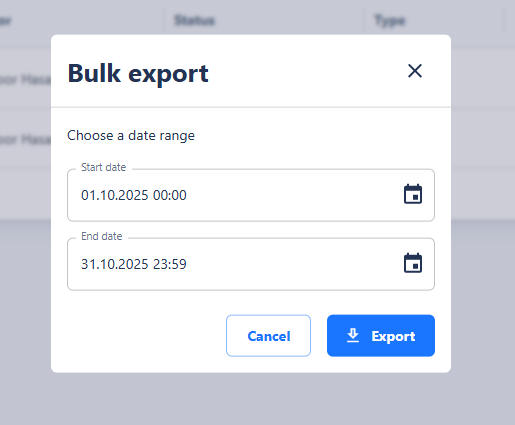
A dialog opens where you can set a date range for the export.
-
After confirming the date range, click "Export".
The export generates a ZIP file containing all invoices within the selected period as individual PDF documents.
This bulk export provides an easy way to download invoices collectively for accounting, archiving, or internal reporting.