
Delivery Notes
Delivery notes in Surface Solutions are used for documenting and tracking deliveries within an order. They are created directly in the Order Editor of an existing order, so that all relevant information about the order and its items is automatically included.
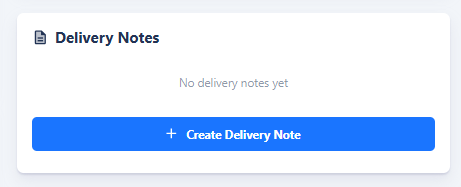
To create a delivery note, click the Create Delivery Note button in the Order Editor. This opens the Delivery Note Editor, where you can review and edit the desired information. Once completed, a PDF can be generated, which can be used for both internal purposes and customer shipments.
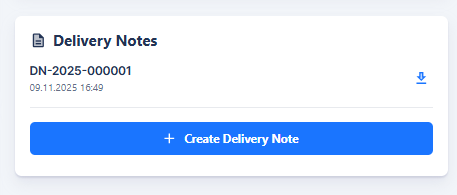
Created delivery notes are displayed in the Order Editor under the Delivery Notes section. This allows you to always keep track of already created delivery notes and see which items have already been delivered.
The creation of delivery notes is thus closely integrated into the order workflow and ensures that deliveries are documented, traceable, and transparent for all parties involved.