
Creating Offers
In Surface Solutions, offers can be created directly from a calculation. The prerequisite is that the calculation includes a customer. The customer provides the necessary information, such as address and contact person, which is automatically adopted into the offer.
Offer Editor
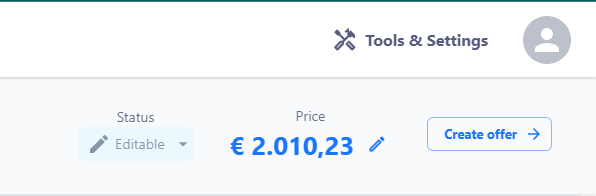
Once a customer is entered in the calculation, the "Create Offer" button appears in the top right area of the Calculation Overview. Clicking it takes you to the Offer Editor, where all data from three sources is consolidated:
- Customer Data: address, contact person, and other relevant information
- Calculation: positions, total price, and any additional information
- Document Definition: standard texts, footnotes, payment terms, delivery terms, and standard positions
Positions in the Offer Editor
All positions from the calculation are automatically adopted into the offer. Additionally, standard positions from the document definition are added if configured. These can be deleted if needed.
In the Offer Editor, you can:
-
Edit or delete positions
-
Adjust prices for individual positions
-
Apply discounts to individual positions or the total sum
-
Change the order of positions
Preview and Creation
Clicking the "Create Offer" button generates the offer permanently and stores it in the Offer Overview. After creation, an offer can no longer be edited. If changes are needed, a follow-up offer can be created (see chapter "Create Follow-Up Offer").
Numbering
Each offer receives a sequential offer number. The numbering sequence can be defined organization-wide through the document definition, similar to invoices or credit notes.