Calculation Overview
The Calculation Overview is the central entry point in Surface Solutions.
Here, you can see all existing calculations in a clear card view.

Structure of the Overview
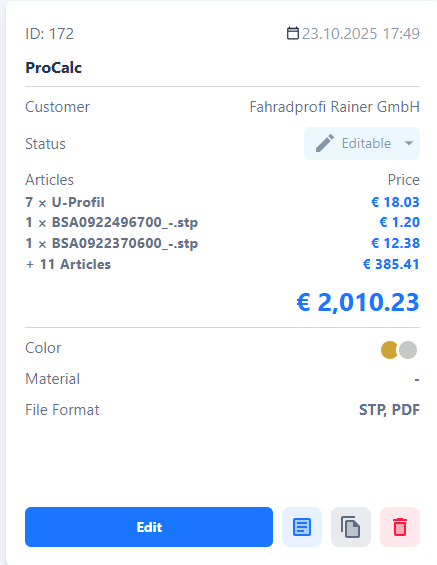
Each calculation is displayed as a card.
A card shows the most important information about the respective calculation at a glance:
-
Name of the calculation
-
Creation date
-
Customer
-
Items included in the calculation
-
Additional details (e.g., status or internal notes)
The cards are designed so that all relevant information can be quickly recognized without having to open the calculation.
Create New Calculation
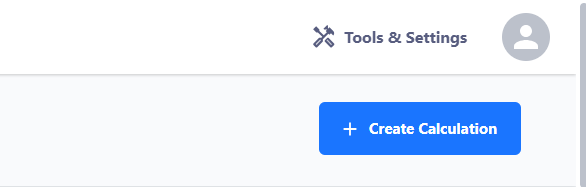
At the top right of the Calculation Overview is the "Create Calculation" button.
You can use this button to create a new calculation.
This step is typically performed when a new customer request is received.
After clicking, the input form opens, where you can enter all relevant information for the new calculation.